Part of the Beat Suite
Creative tools that work together.
Create Beautiful Pixel Art
A pixel art editor inspired by Deluxe Paint. Draw with retro color palettes, precision tools, and export your creations at any scale.
Get Started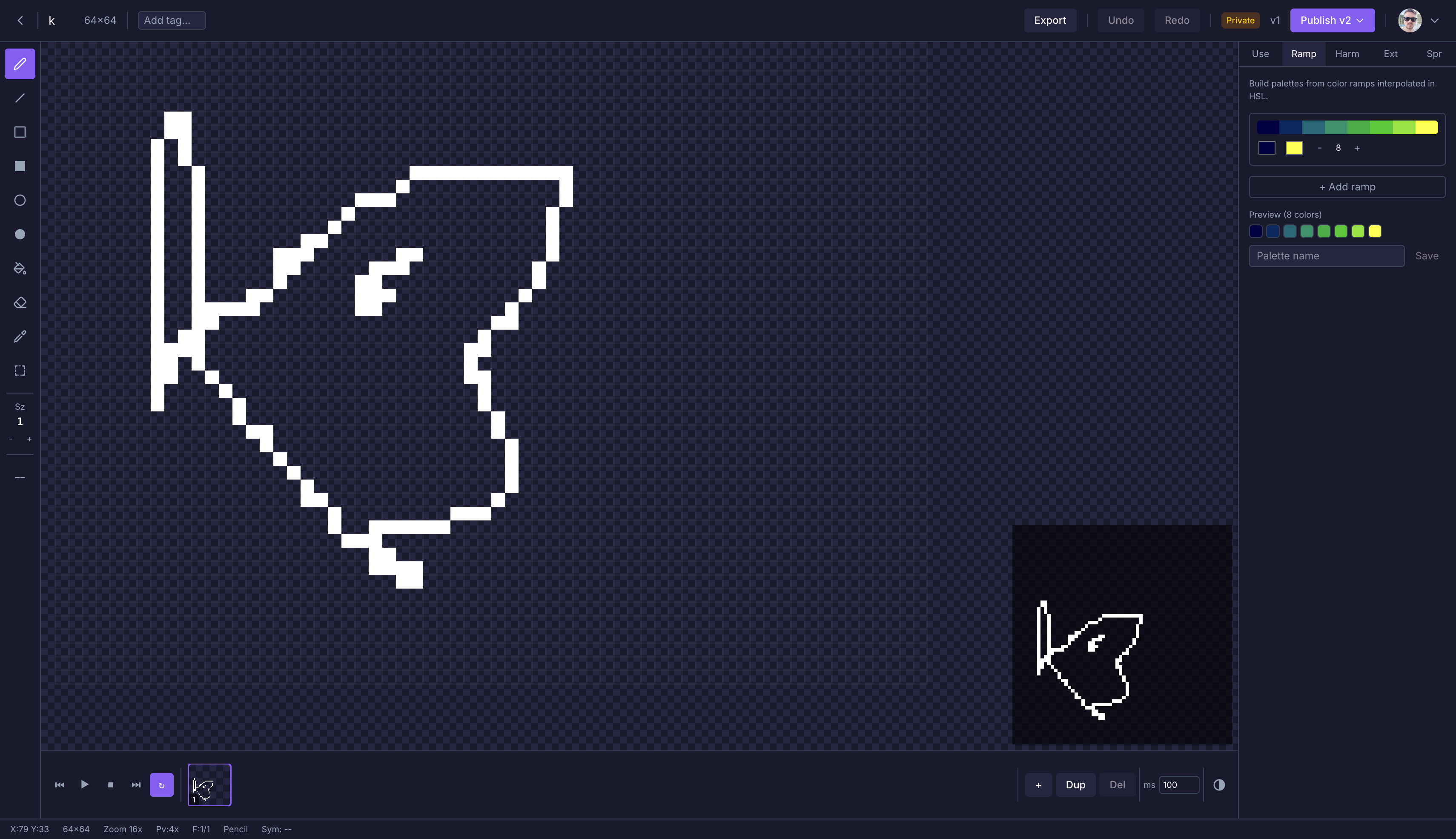
Everything You Need to Draw
Classic tools and modern convenience in a browser-based pixel art editor.
Retro Color Palettes
Work with classic palettes from the Amiga, NES, and Game Boy era. Indexed color support keeps your art authentic.
Precision Drawing Tools
Pixel-perfect pencil, lines, rectangles, circles, and fill. Symmetry modes for effortless patterns.
Export Anywhere
Export your art as PNG at any scale — from 1x for sprites to 8x for prints and social media.
How It Works
1
Create an Image
Pick a size and palette to start your artwork
2
Draw
Use pencil, shapes, and fill tools to lay down pixels
3
Refine
Zoom in, tweak colors, and polish every detail
4
Export & Share
Download your art as PNG at any resolution